Dual display1
Two screens, opposite directions
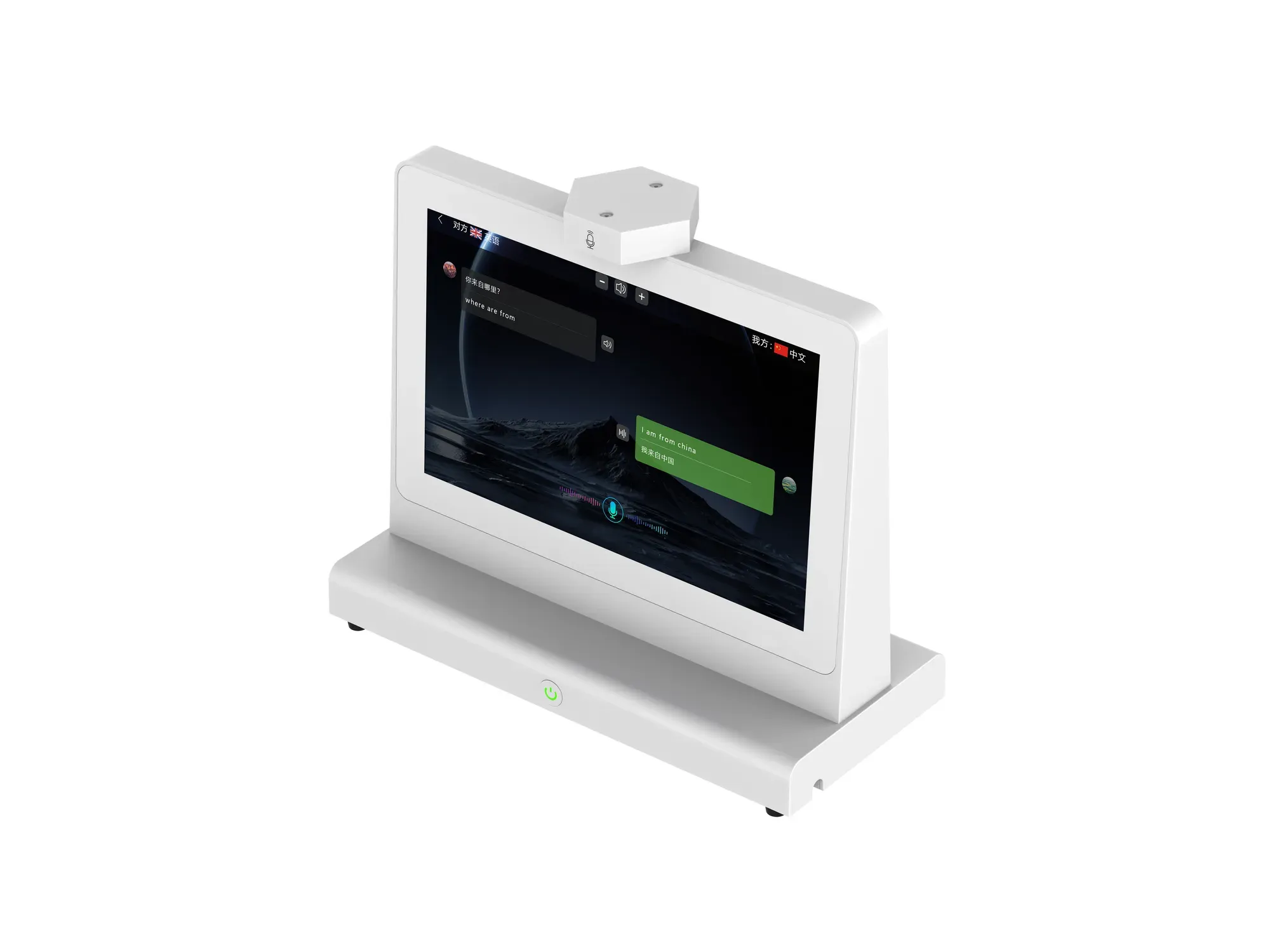
Screen A faces the visitor and screen B faces the staff member. The same message is shown in both languages, stacked, and each message can be replayed aloud.
1280 × 800 each
ZXTLCD-AIS007
A 10.1-inch dual-screen translator built for face-to-face service. Each side reads its own screen, a role-separated microphone array tells them apart, and 140+ languages are available on the international edition.
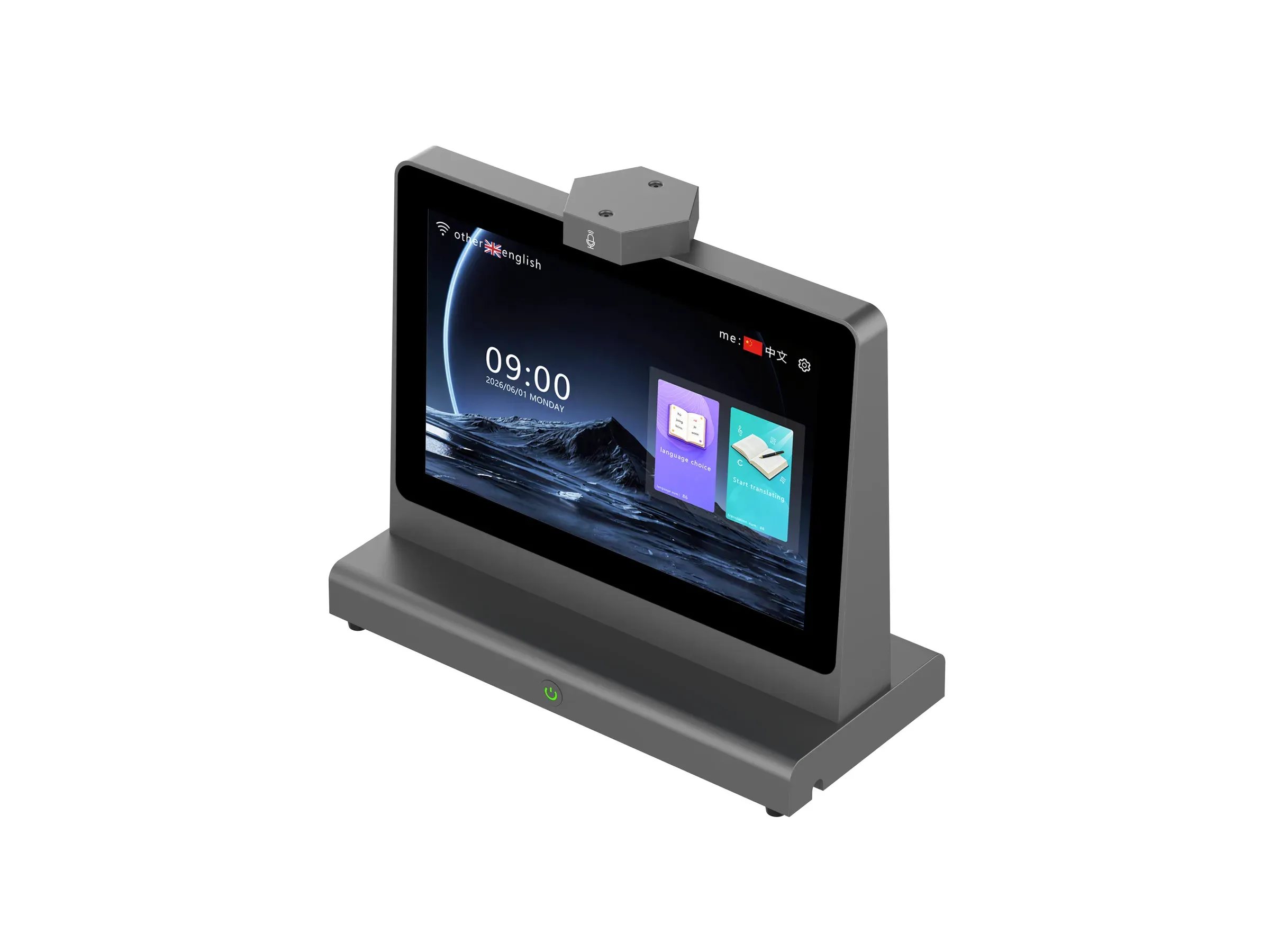
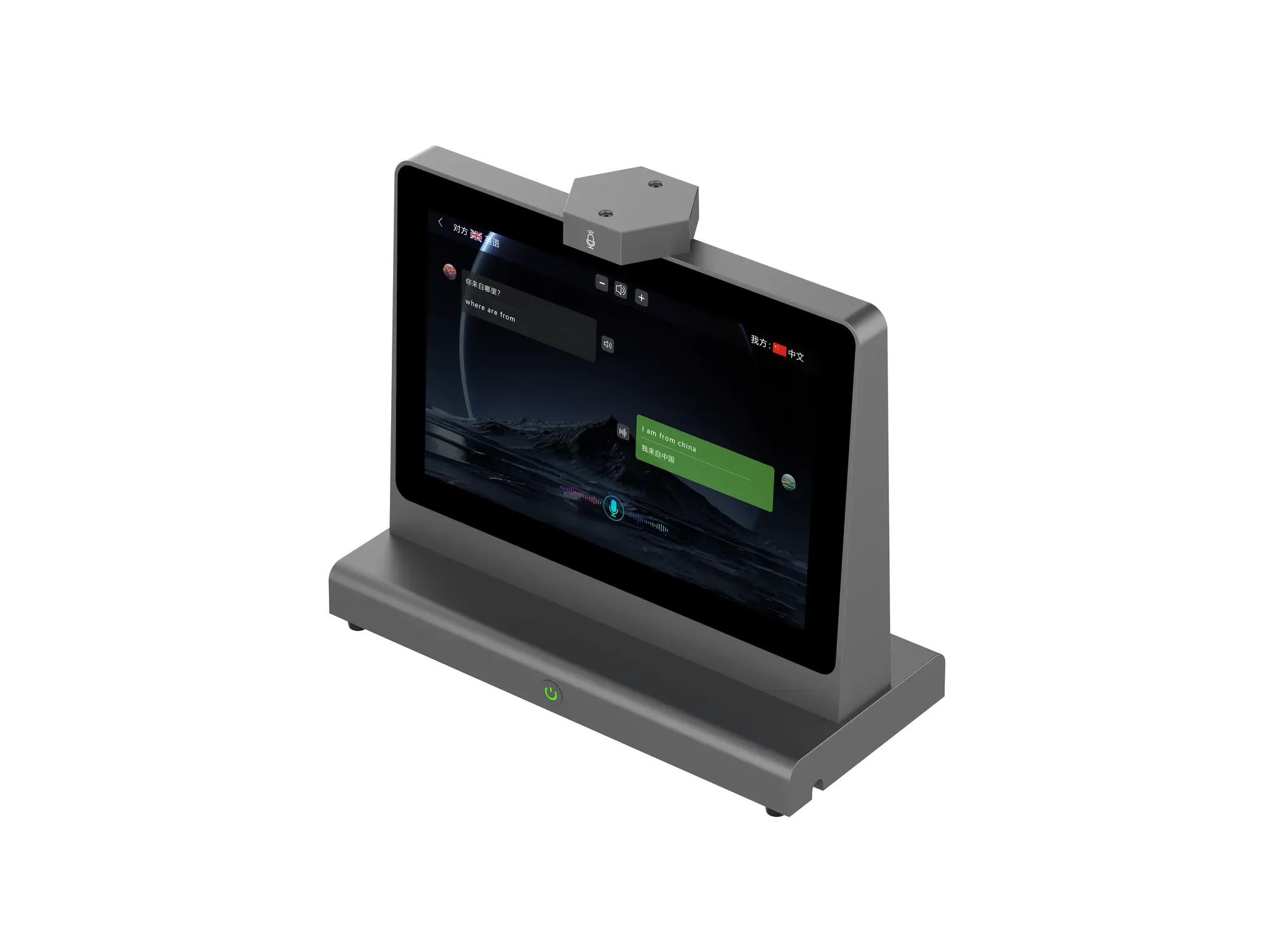
ZXTLCD-AIS007 in dark gray, angled view.
10.1-inch · 1280×800
In the conversation
Every line below comes from the current product specification and function list — no capability is claimed that the documentation does not state.
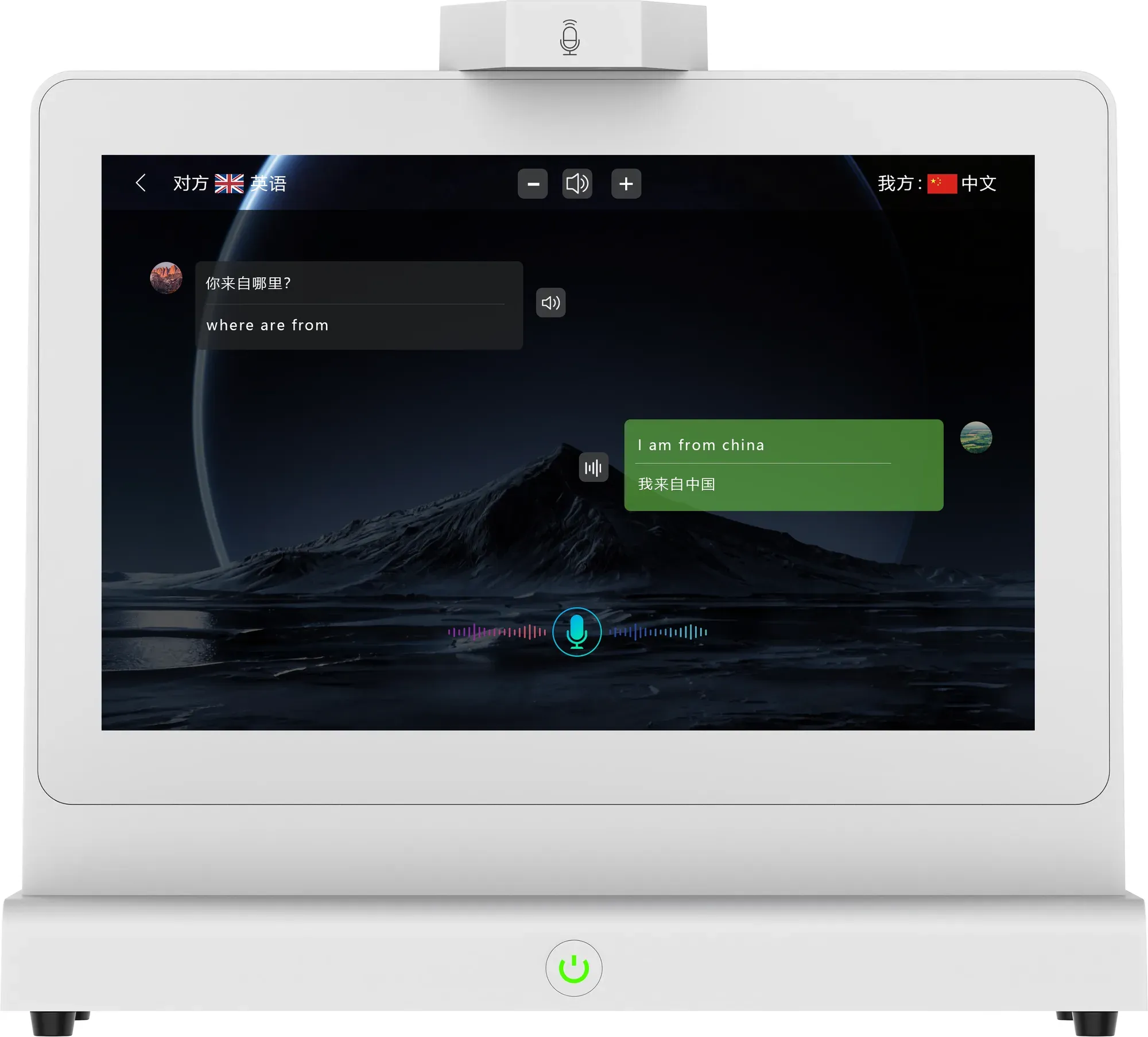
Screen A faces the visitor and screen B faces the staff member. The same message is shown in both languages, stacked, and each message can be replayed aloud.
Built-in 2 × 8Ω 2W speakers deliver the translated reply to the person who needs it. Automatic broadcast can be switched off when a quiet counter is required.
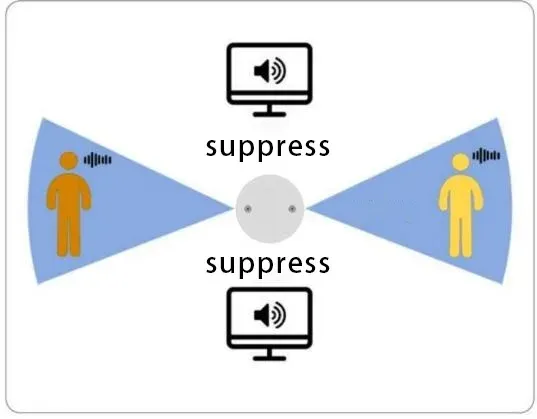
A 2-channel role-separated array works out which side is speaking before translation starts, so each voice reaches its own screen.
What the two sides see
The visitor's words appear on one side of the screen with the translation underneath; the staff member's reply appears on the other, in the other language. Each entry has its own playback button, and the header always shows which language is assigned to each side.
Both sides always see the pairing, for example English for the visitor and Chinese for the staff member.
Any message can be replayed in either language without repeating the conversation.
AB microphone algorithm
Two microphone channels are positioned at different angles on each side of the device. The AB algorithm separates voices arriving from different angles, identifies which side each speaker belongs to, then routes that person's words to their own screen and speaker.
Role-separated microphone array with an independent AB module.
Text and voice stay on the screen belonging to the speaker.
Language coverage
The domestic edition targets 39+ mainstream languages; the international edition covers 140+ worldwide, listed per language and region so accents and local usage are handled separately.
Software
The device runs Android 11 with the Trans AI management app on Android, iOS and PC. Records and minutes live in the app, not on the counter.
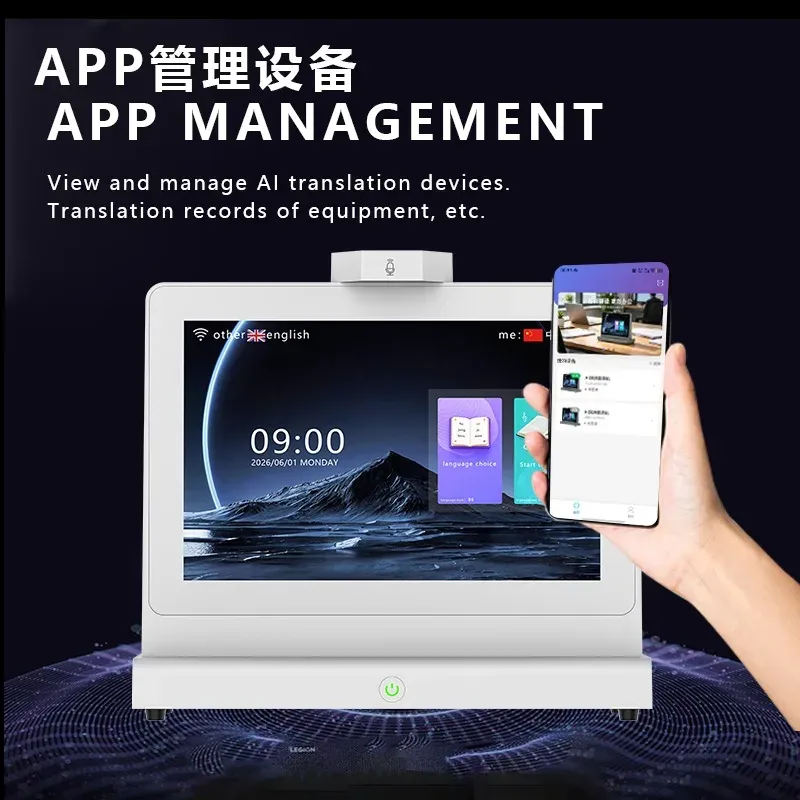
Scan the QR code on the device to bind it, then manage devices from the app: device ID, MAC address, software version, online status and login state.
Review the account's conversations, pick records and generate meeting minutes from a template (general, hotel and catering, and more), then export the result.
Live translation data can be mirrored to a large PC screen at the counter, so a supervisor or the queue behind the visitor can follow the conversation.
On-device controls
Settings live on the unit itself, so a counter can be tuned without calling support.
Main and secondary screen brightness are adjusted separately, and the interface font can be set to large, medium or small.
Tune microphone sensitivity, how long a speech must last to count as the start, and how long silence ends it.
Long-conversation mode waits for recognition to finish before speaking; accounts can be switched or newly bound on the device, and ads or wallpapers can be pushed to it.
For operators and OEMs
For multi-site deployments, the platform covers device fleets, licensing and channel partners. Useful if you are reselling or running a pilot across several counters.
Total and active devices, cumulative translation time and count, AI minutes generated, registered users and feedback trend, filterable by date range.
Device model management, software version push and remote OTA upgrade, with activation time, online hours and minutes count per device.
Create OEM tenants and assign device IDs to them; an OEM can create its own channels, each with its own dashboard, records and device list.
Specification
Figures below follow specification V1.4 (2026-07-03). Tell us the requirement and we will confirm the configuration before quotation.
Applications
Information and service desks where staff and visitor do not share a language — including travel and socialising settings and foreign-trade meetings.
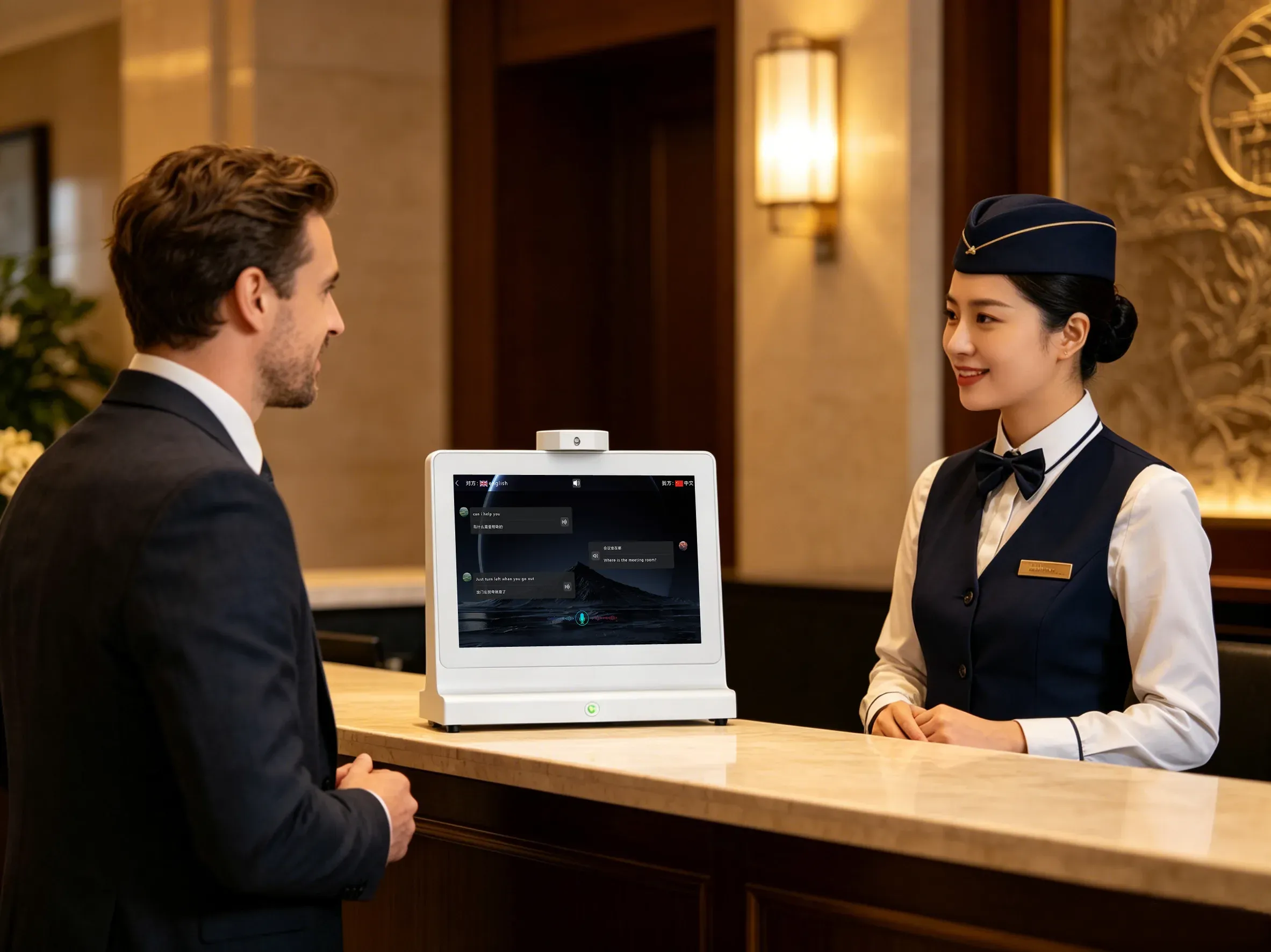
Check-in, room requests and directions at the front desk.
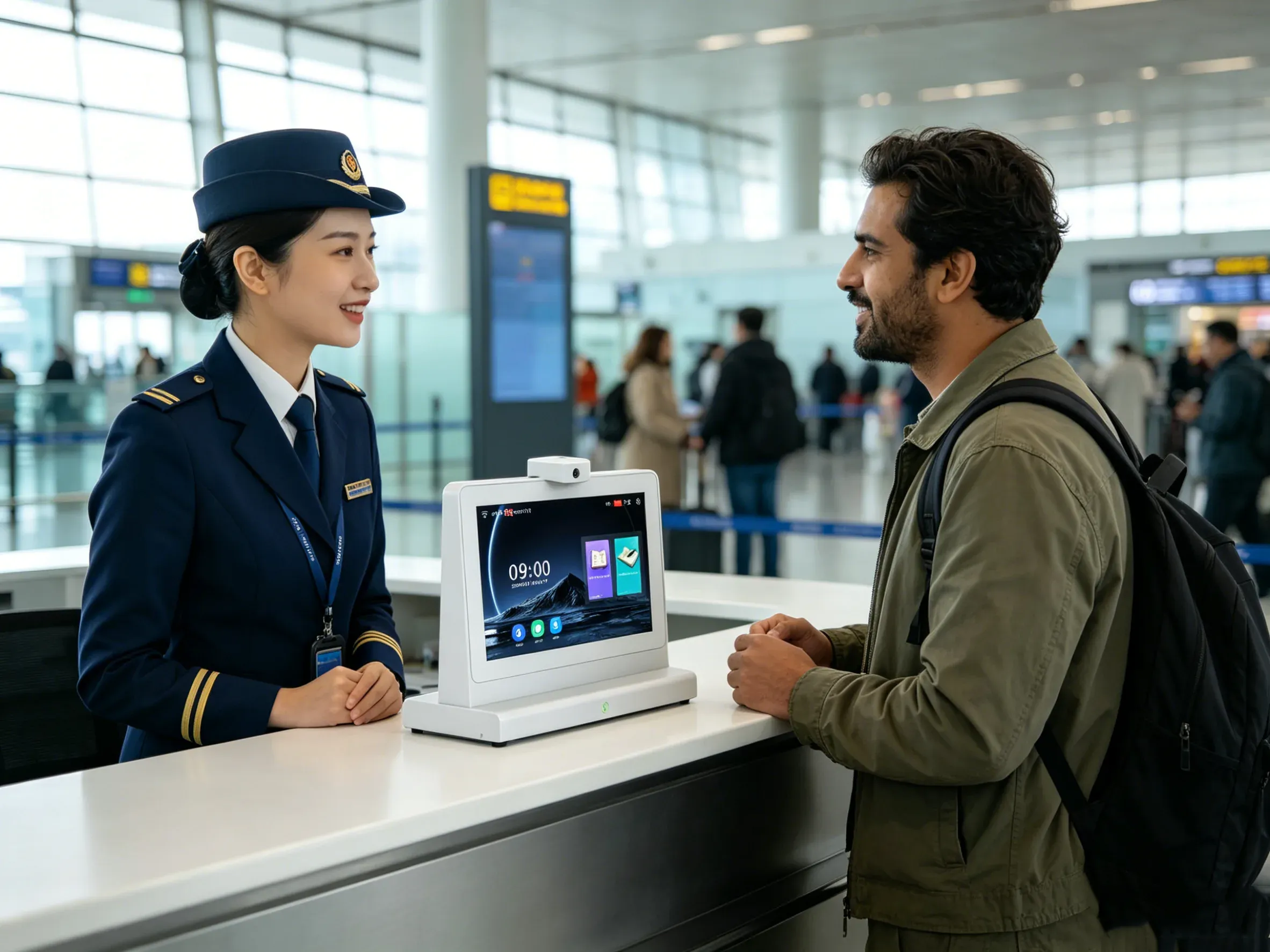
Gates, transfers and ticketing at traveller assistance counters.
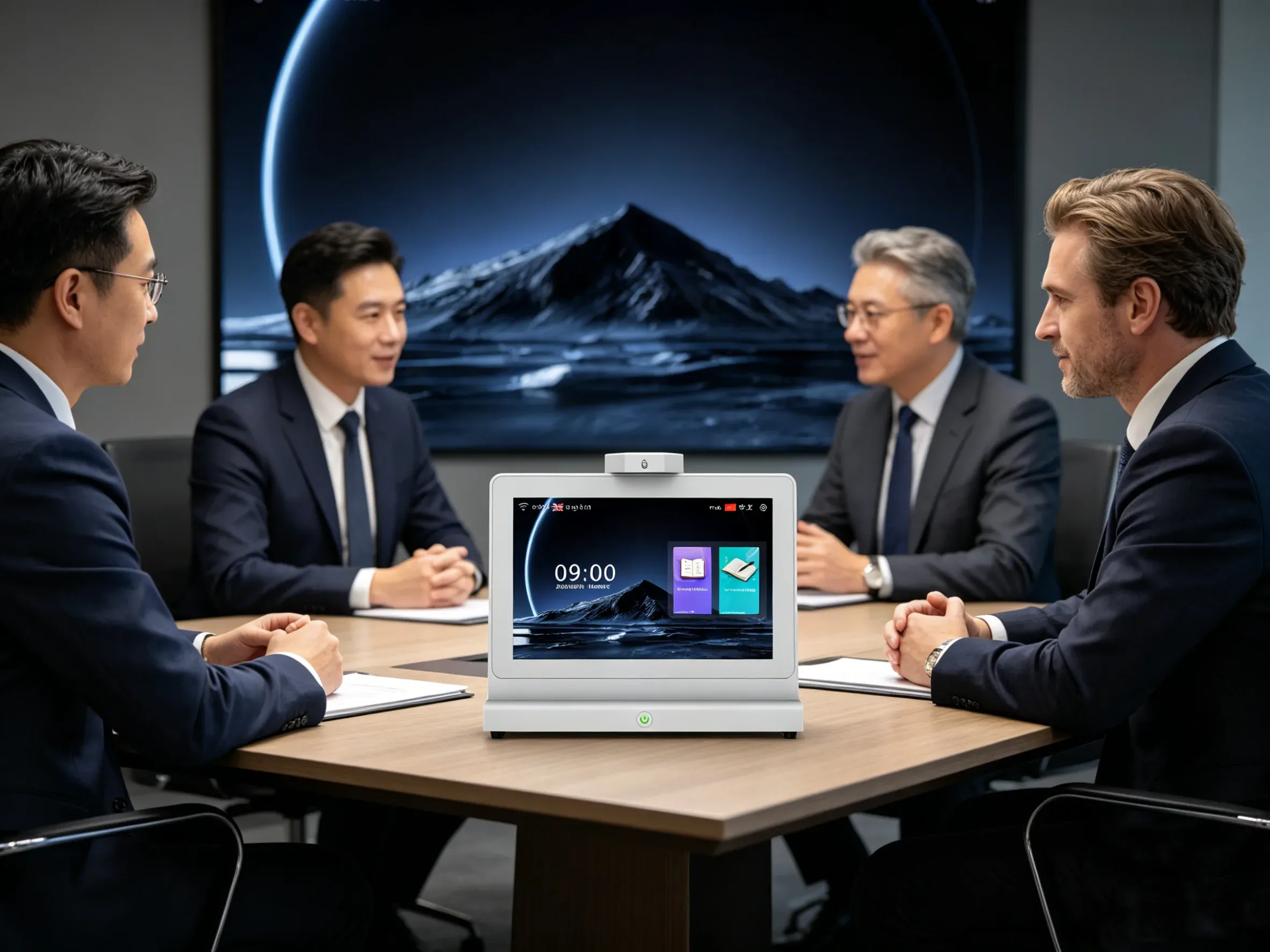
Cross-border discussions where both sides read the same exchange.
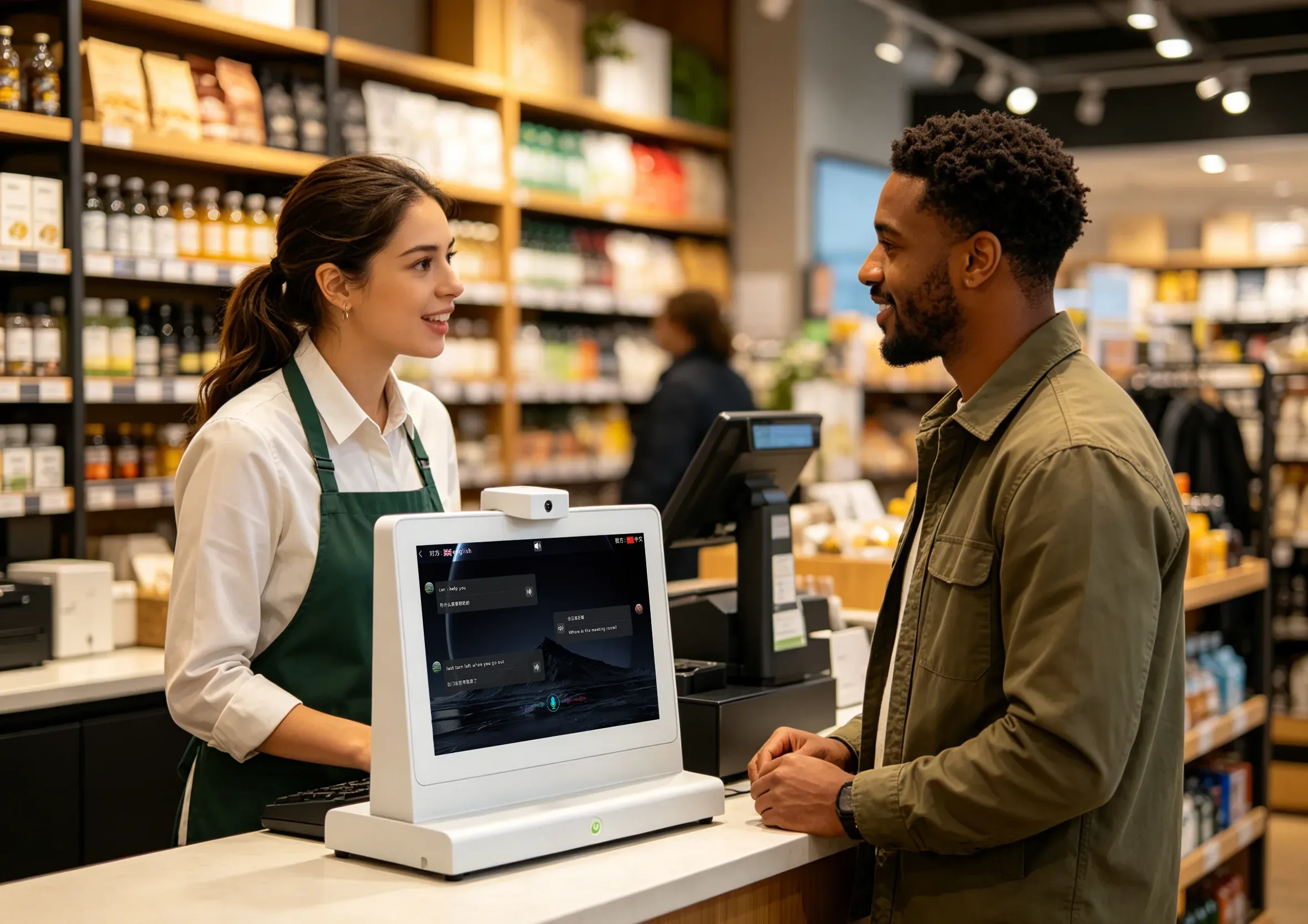
Shop and service desks handling international customers at the till.
Public service
The same hardware is specified for public-service desks, where a misread form number or entry condition costs more than an awkward pause.
Form names, document checklists and eligibility rules are read by both sides at once, so the visitor can point at the exact line they do not understand.
Route, platform and ticketing questions are answered under time pressure, with the reply visible to the traveller without turning the device.
Entry questions, purpose-of-visit wording and document requests are shown to the traveller while the officer keeps the same record on their own screen.
Product visuals
Renders, the live conversation screen and the companion app. Every image below is from the current product documentation.
Questions before you order
Answers drawn from specification V1.4 and the current function list.
Need a datasheet for procurement? Request it through the quote form.
Quotation
Send the deployment scope and we will reply with the datasheet, availability and quotation.
Quote request
Number of units, counter type, languages and target timeline.