Buying Guides
Reading a Translator Datasheet: The Specifications That Decide Whether It Works at a Desk
Brightness, viewing angle, touch coverage, microphone channels and power draw rarely make the headline — but they decide whether a translation device survives a real service counter.
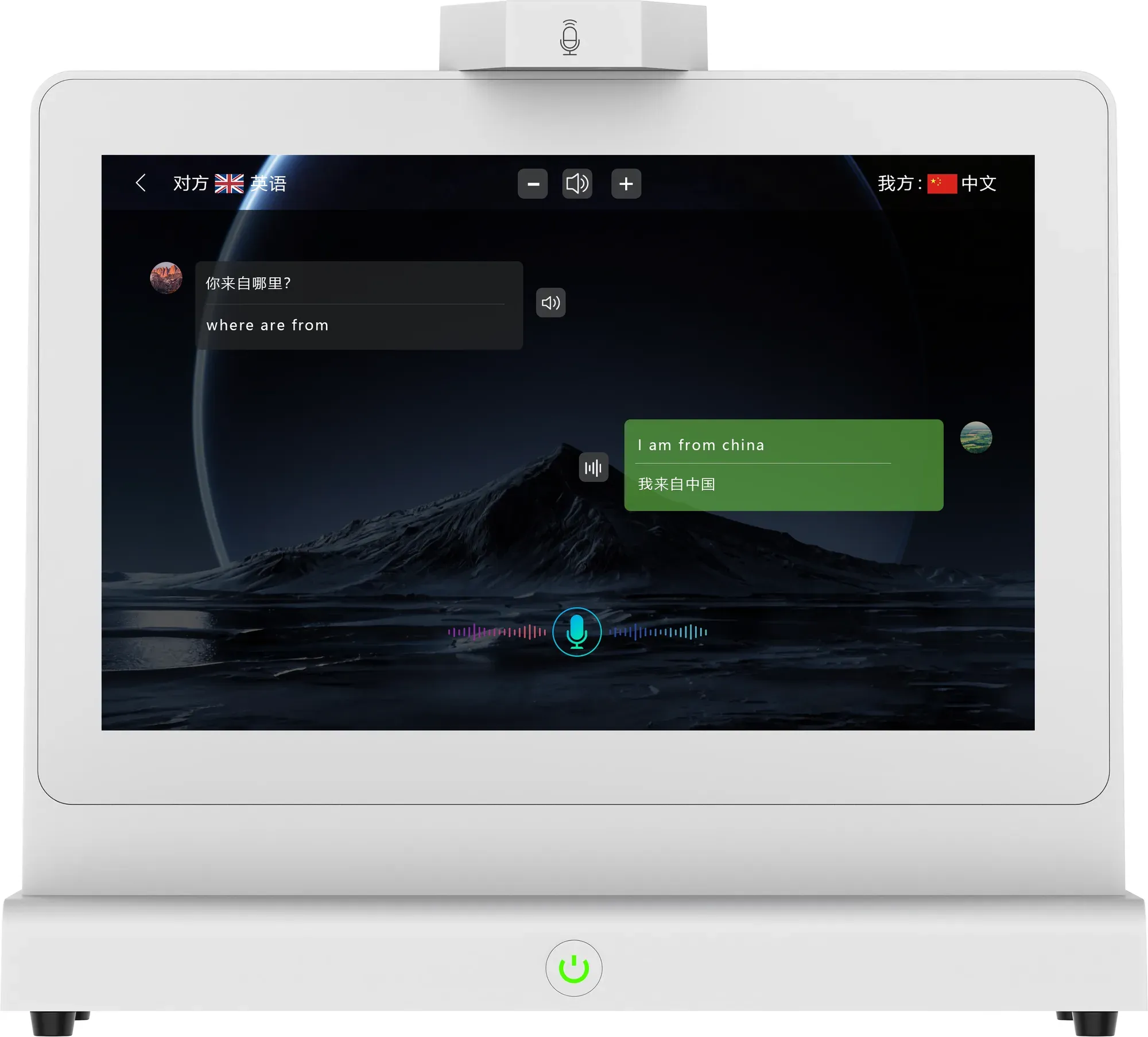
Most translator product pages lead with the number of languages. That number is easy to compare and almost never the reason a deployment fails. The specifications that decide the outcome are quieter: panel brightness, viewing angle, which screen is touch-enabled, how many microphone channels exist, and how much power the unit draws.
Panel brightness and viewing angle
The ZXTLCD-AIS007 uses 10.1-inch WLED IPS panels rated at 1280 × 800, 16:9, with brightness of at least 250 cd/m², 16.7 million colours at 72% NTSC and a viewing angle of 89/89/89/89. On paper those are mid-range panel figures. At a counter they matter for two reasons: the screen faces a visitor who is often standing and looking down at an angle, and lobby or concourse lighting is rarely ideal.
A 250 cd/m² panel is comfortable indoors. It is not designed to fight direct sunlight, which is the honest boundary for any device in this class — if your counter faces a glass facade, plan the position accordingly rather than expecting the panel to compensate.
Touch coverage is a design decision
The specification lists capacitive G+G 10-point touch with 1 mm accuracy and a rated life of over 50 million touches — and it applies to both the main and the secondary screen. The usual interaction decision is still that the staff member operates the device while the visitor reads, but the hardware does not force it.
When comparing devices, check whether both screens are touch-enabled and whether that creates a reason for visitors to reach across the counter and change settings. Often the simpler configuration is the more reliable one in service environments.
Microphone channels, not microphone count
The ZXTLCD-AIS007 lists a two-channel speaker-separated microphone array with an independent AB module, plus 2 × 8Ω 2W speakers. The meaningful figure is the channel count and the fact that the channels are separated by side. Many datasheets advertise a microphone count without saying whether the device can attribute speech to a speaker position.
Processing and memory headroom
Android 11 on an RK3568 processor with DDR4 2GB and 32GB eMMC is a modest, well-understood platform. It is enough for continuous translation and local storage of logs, and it keeps the bill of materials predictable. What it is not is a general-purpose tablet: treat the device as an appliance, and do not plan to run third-party applications on it unless the supplier confirms support.
Power and thermal envelope
Consumption stays at or below 30 W through a DC-12V/3A adapter with AC 110-220V input, and the operating range is 0-50°C at 20%-80% relative humidity, non-condensing, below 4000 m altitude. For facilities teams, the practical reading is that the unit can share a normal desk socket and does not need special cooling — but it does need airflow around the base, so do not box it into a closed cabinet.
Physical numbers that decide fit
267.2 × 236.7 × 120 mm at 1.30 kg describes the device on its base. That is roughly the footprint of a small point-of-sale terminal, which is the right mental comparison for counter planning. The packed carton is 315 × 302 × 160 mm at 3 kg.
The question to ask about any missing line
Every datasheet has gaps. When you find one — storage conditions, offline behaviour, warranty, accessory list — ask the supplier rather than assuming. A specification sheet that is honest about its scope is more useful than one with a longer feature list and no boundaries.
For the ZXTLCD-AIS007, the current specification sheet is the reference for every figure in this article. If a deployment depends on a number that is not in it, request confirmation in writing before the order is placed.