Display1
10.1-inch dual screen
Two 1280×800 IPS panels face opposite directions, so staff and visitor each read their own language without turning the device around.
≥250 cd/m² · 16:9
AI dual-screen translation
The ZXTLCD-AIS007 gives each person their own 10.1-inch screen, so a receptionist and a visitor read the same conversation in their own language at the same time.
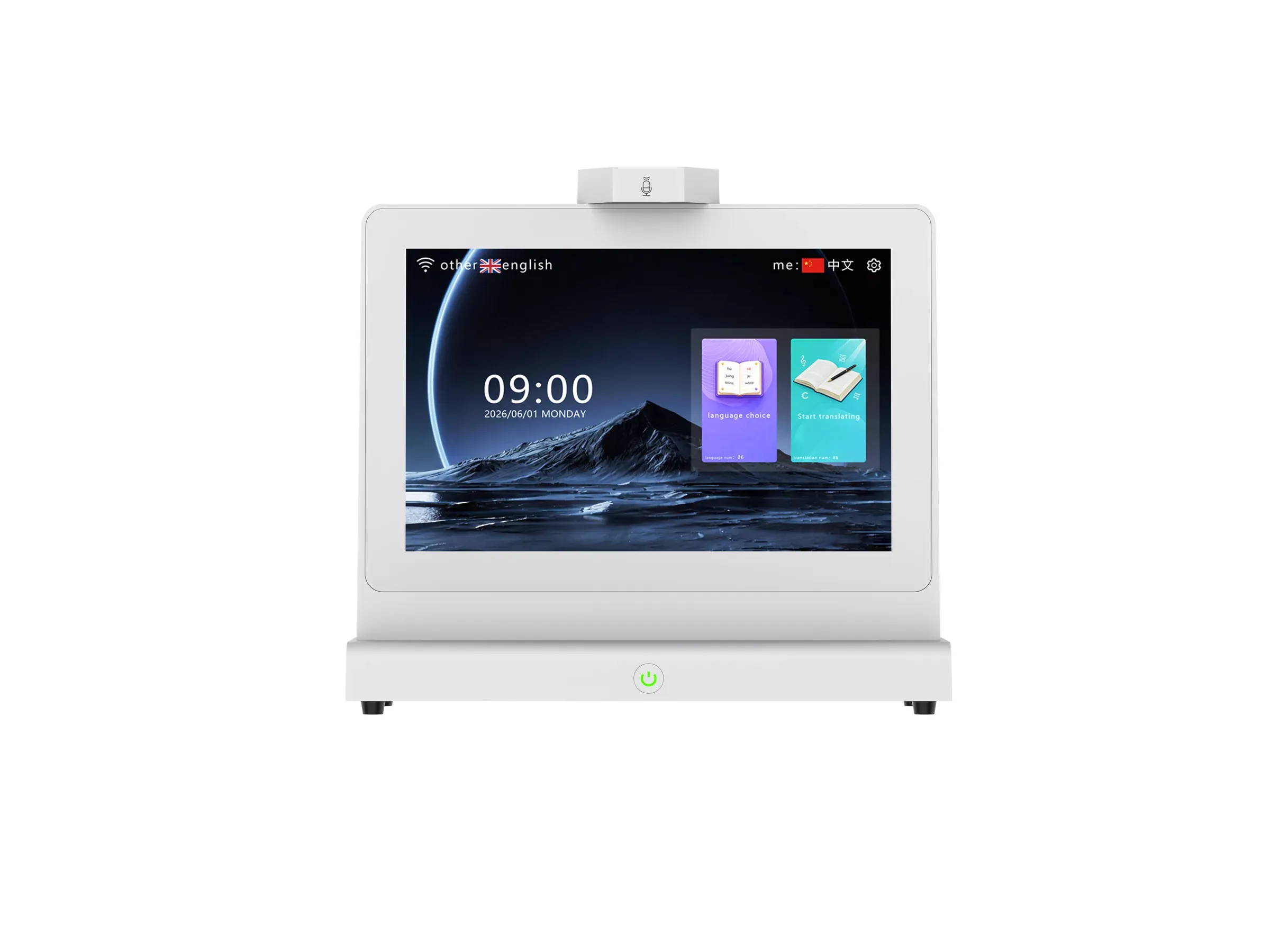
ZXTLCD-AIS007 in white, front view with the two 10.1-inch displays.
10.1-inch dual screen
How it works
Every part of the ZXTLCD-AIS007 is aimed at one scenario: two people standing on opposite sides of a desk, speaking different languages.
Two 1280×800 IPS panels face opposite directions, so staff and visitor each read their own language without turning the device around.
A two-channel role-separated array works out which side of the device is speaking and sends that voice to the matching screen and speaker.
RK3568 processor with DDR4 2GB and 32GB eMMC, plus USB, RJ45, Type-C and TF ports for counter-side integration.
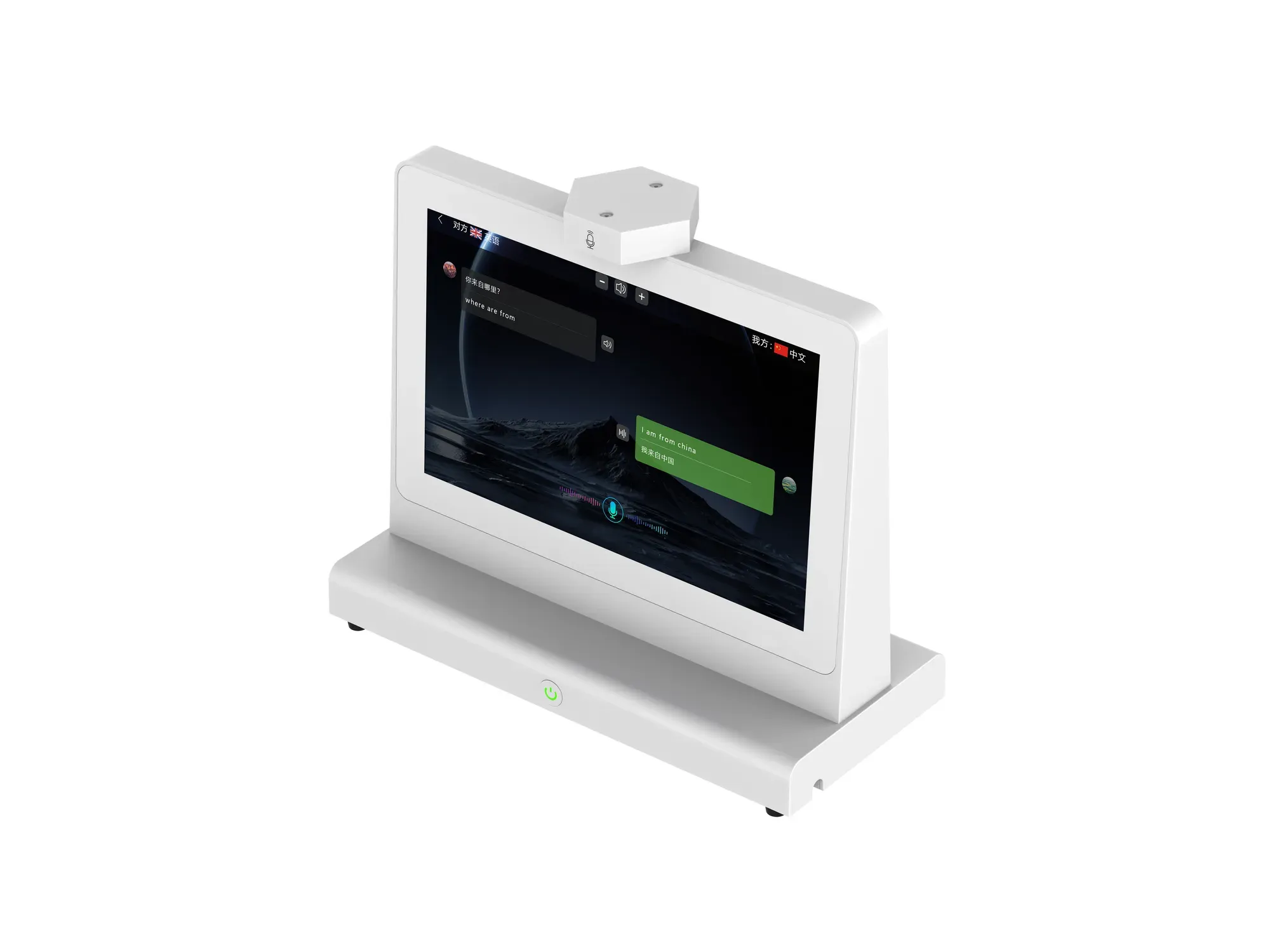
Designed for face-to-face desks
A handheld translator has to be passed back and forth. With two screens facing opposite directions, the staff member and the visitor each read their own language — and the AB microphone array keeps the two voices apart.
The AB algorithm works out which side is talking before translation begins.
Built-in speakers deliver the reply to the person who needs it.
Where it is used
The same hardware serves information desks across travel, hospitality and public service.
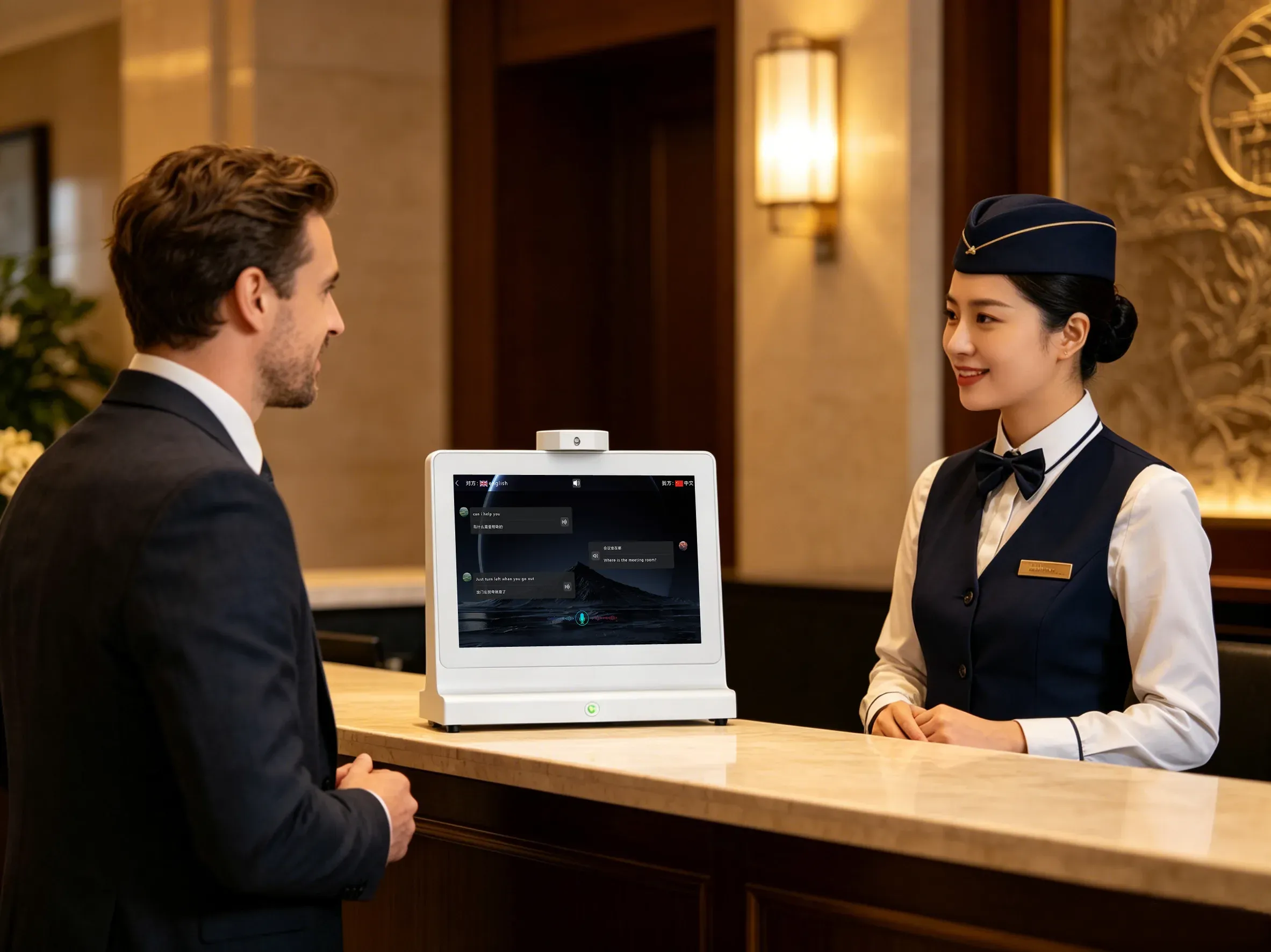
Check-in and concierge conversations with guests who do not share the front-desk language.
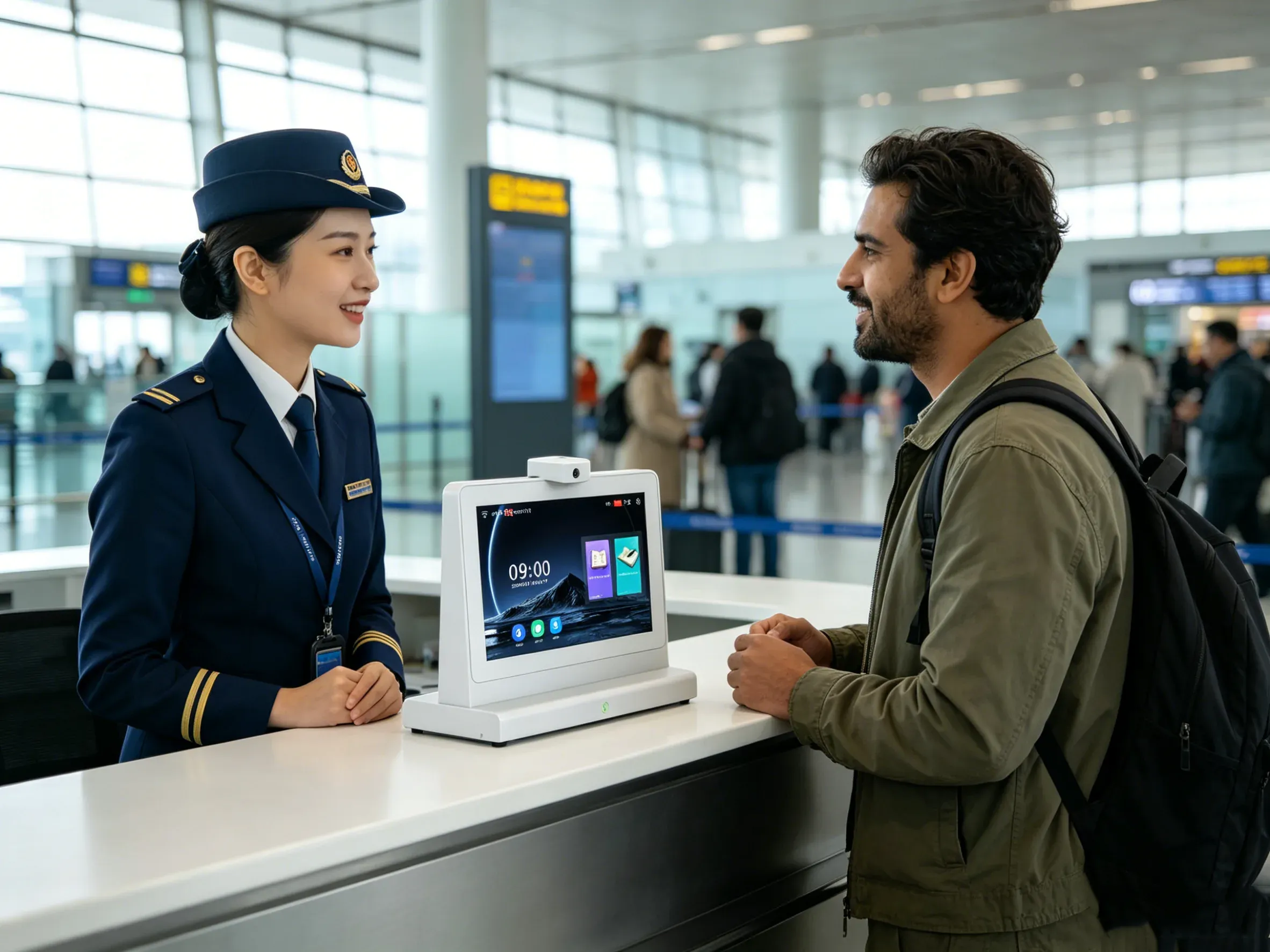
Information and assistance counters where travellers arrive with different languages and tight connection times.
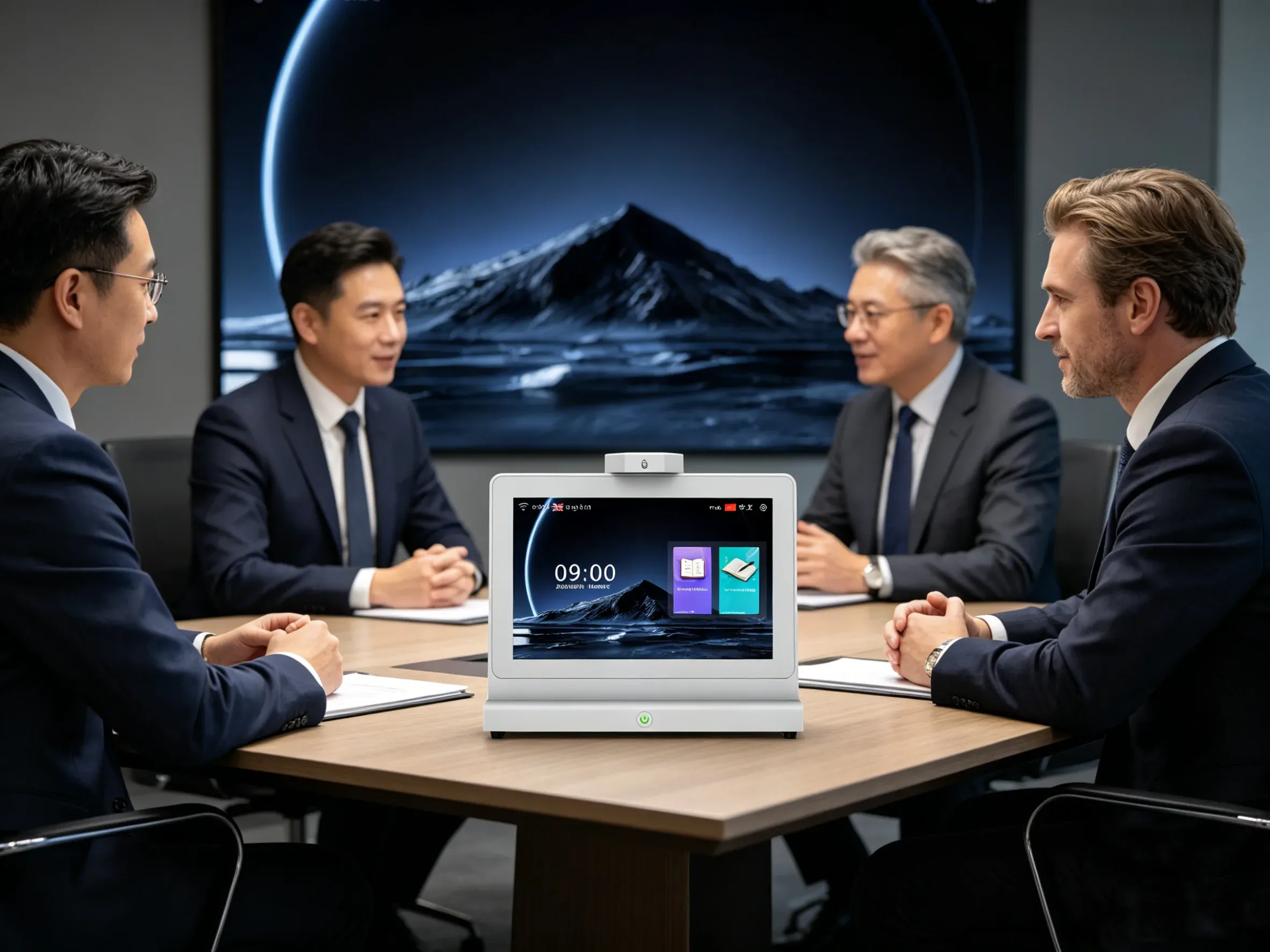
Cross-border meetings where both sides need to read the same discussion as it happens.

Shop and service desks handling international customers without a shared language.
ZXTLCD-AIS007 at a glance
Hardware figures from specification V1.4 (2026-07-03).
Articles
Practical reading on dual-screen translation hardware, microphone arrays and counter deployment.
All articles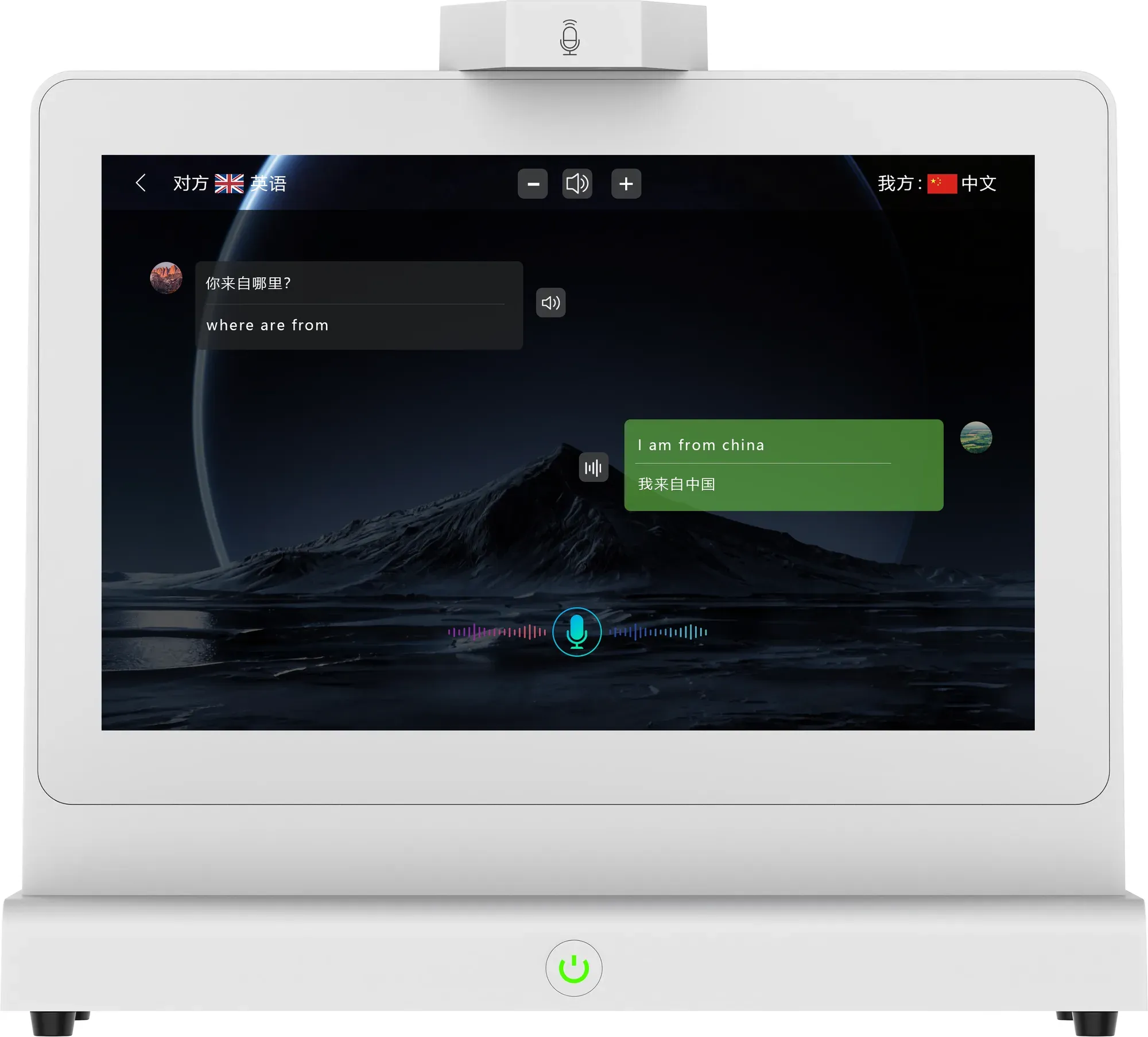
Brightness, viewing angle, touch coverage, microphone channels and power draw rarely make the headline — but they decide whether a translation device survives a real service counter.
A procurement checklist for counter translation hardware: screens, microphone behaviour, power, mounting, languages and the questions to ask before you order.
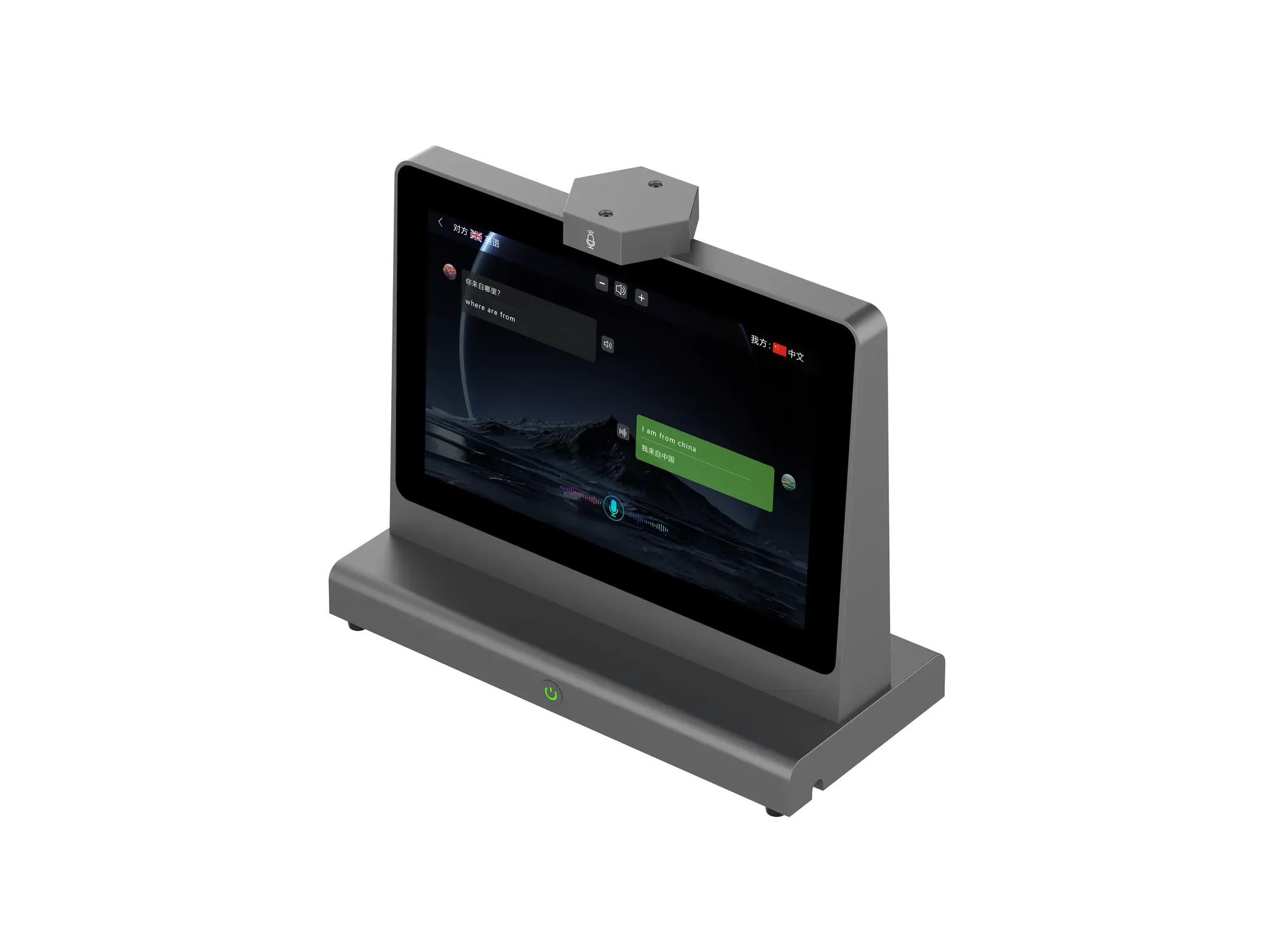
A single microphone cannot tell which side of the desk is talking. A two-channel array positioned on opposite sides can — and that is what makes a dual-screen translator usable in a real conversation.
Questions
The answers below come from specification V1.4 and the current function list.
Still unsure? Send your counter layout and we will reply with a recommendation.
Next step
Share where the devices will be installed and how many positions you need to cover.
Quote request
Counter type, number of positions, languages involved and target timeline.